
First move. Start by turning something down. The melody, bass, or hi-hats might be hiding the drum hits you want to hear.
Jump to a fix
Solo the drums. Find what changed.
Play a busy part of your beat. Then listen to just the drums. Next, turn their effects off. Keep the volume about the same.
Drums sound better alone?
The melody or bass may be covering them. Try the next fix.
Drums sound better with effects off?
One of the effects may be flattening the hits. Skip to the compressor check.
Still weak with everything off?
Try a different kick or snare before building an effects chain.
Turn the melody down. Find your snare.
Turn the melody down a little.
If the snare suddenly sounds better, it was getting covered up.
Bring sounds back one at a time.
Stop when you hear the drums start to disappear.
Leave a little space.
A shorter bass note or a gap in the melody can help the next hit stand out.
Try it: Try this with the full beat playing. A great snare on its own can still get lost in the song.
Your compressor might be stealing the snap.
A compressor turns loud parts down. Too much can take the snap out of your drums.
Turn it off and listen. If the snare comes back to life, use less compression. You can also try a slower Attack setting, which can let more of the first hit through.
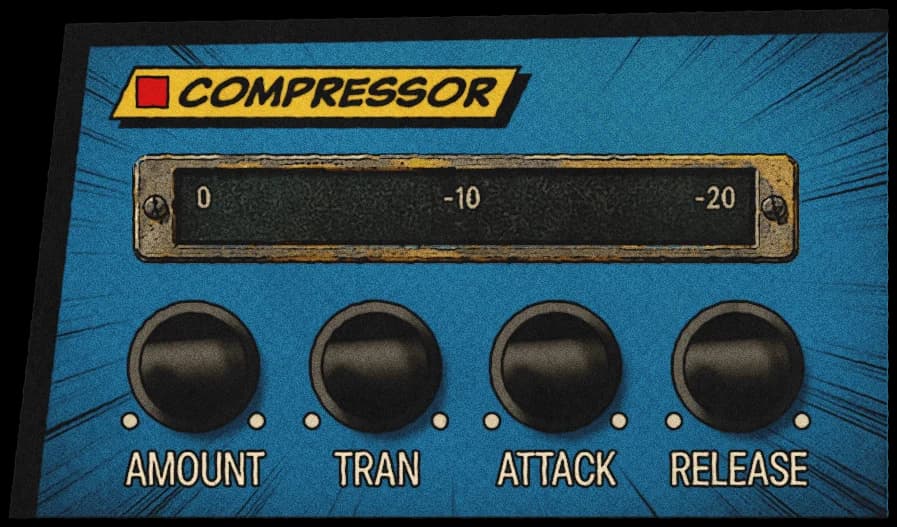
Want a compressor starting point?
Try a 2:1 ratio and 10–30 ms Attack. Lower the Threshold until the loudest hits move the gain-reduction meter by about 1–3 dB. These are starting points. Turn the effect off and on at a similar volume, and keep what sounds better.
A little crunch can bring a hit forward.
A touch of distortion can help drums stand out. You might see it called Drive or Saturation in your plugin.
Add a little, then turn the plugin’s output volume down so it is about as loud as before. If the hi-hats get sharp or scratchy, back it off.
Loud hats can make the whole kit feel smaller.
Start with kick and snare.
Get those sounding good together.
Add the bass.
Make sure you can still hear the kick.
Bring in the hi-hats last.
They should help the groove, not take over.
Try it: Play the beat quietly. Can you still follow the kick and snare?
Louder is easy. Better is the test.
Switch your effects off and on at roughly the same volume. Listen to the whole beat, not just the drums.
If the new version hits harder without sounding harsh, keep it. If it only got louder, keep looking.
You’re done when...
0 of 3 checked on your own beat.
Try it on your drums
Grit. Warmth. Punch.
Hear what Drum Breaker does, then try it in your own beat.
Meet Drum Breaker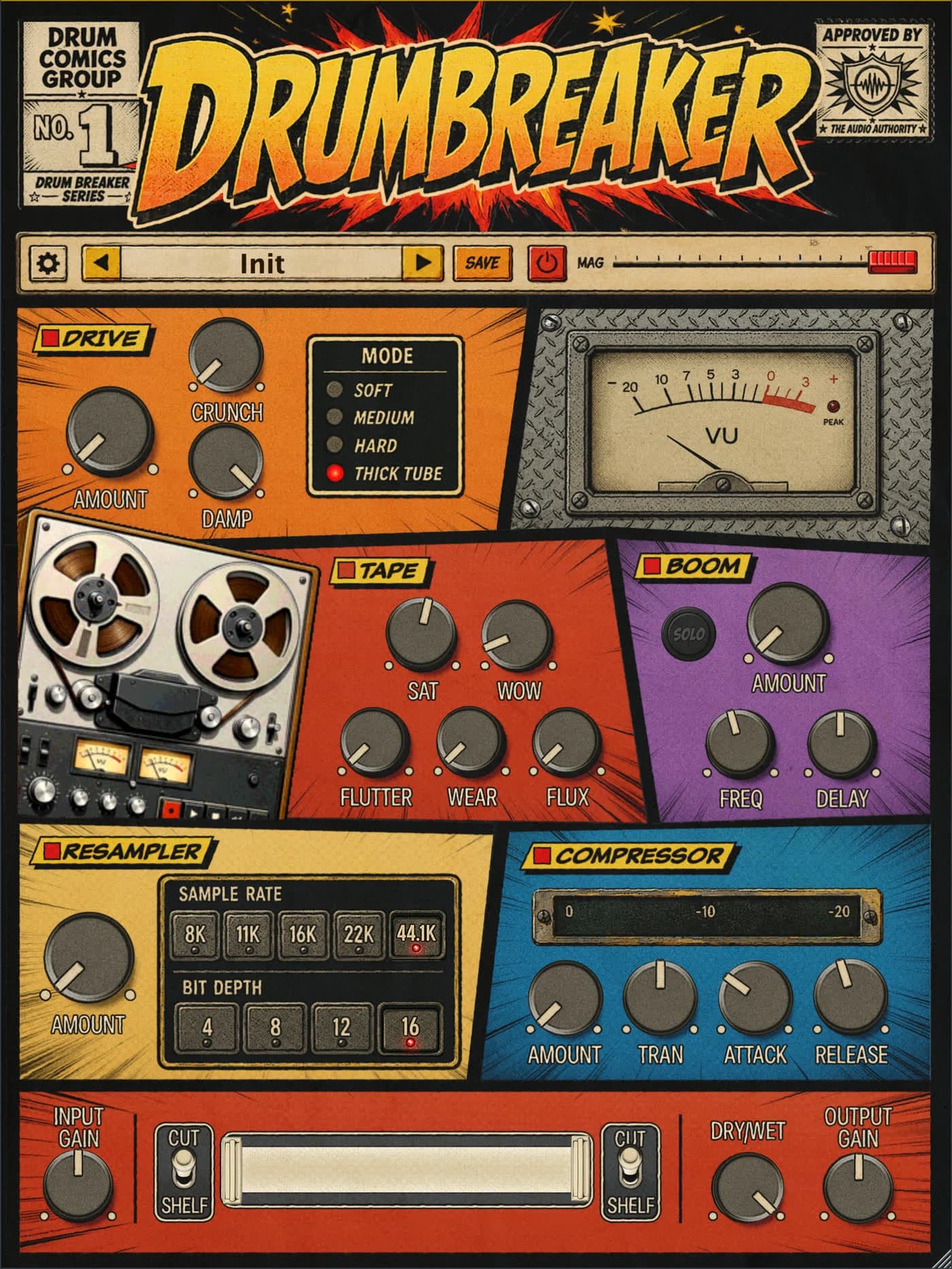
A few quick answers.
Do I need better plugins?
Maybe not. Try changing the volumes, using a different drum sample, or removing an effect first.
What does punch mean?
It is that clear thump or snap at the start of a drum hit. A drum can be loud but still feel soft.
What if the drums sound weak even on their own?
Try a different sample. It is often easier than trying to fix a sound you never liked.