
First move. Get the drum volumes right first. Then try one effect at a time. You do not need all three on every beat.
Jump to a fix
Put your drums in one place.
Keep each drum on its own Mixer track. Send those tracks to another track called DRUMS. An effect on DRUMS will now affect the whole kit. This shared track is often called a drum bus.
Use “Route to this track only” when you want to replace a drum’s direct route to the Master. For this guide, keep your 808 on a separate track.
Try it: Mute DRUMS. If you can still hear the kit, check whether the drums are also going straight to the Master.
Get the kick and snare right first.
Turn the effects off.
Start with the kick and snare.
Add the hi-hats.
Keep them quiet enough that the main hits still stand out.
Play the full beat.
If the melody hides the snare, try turning the melody down a little.
Three effects. Only use the one you need.
These effects solve different problems. Start with the problem you can actually hear.
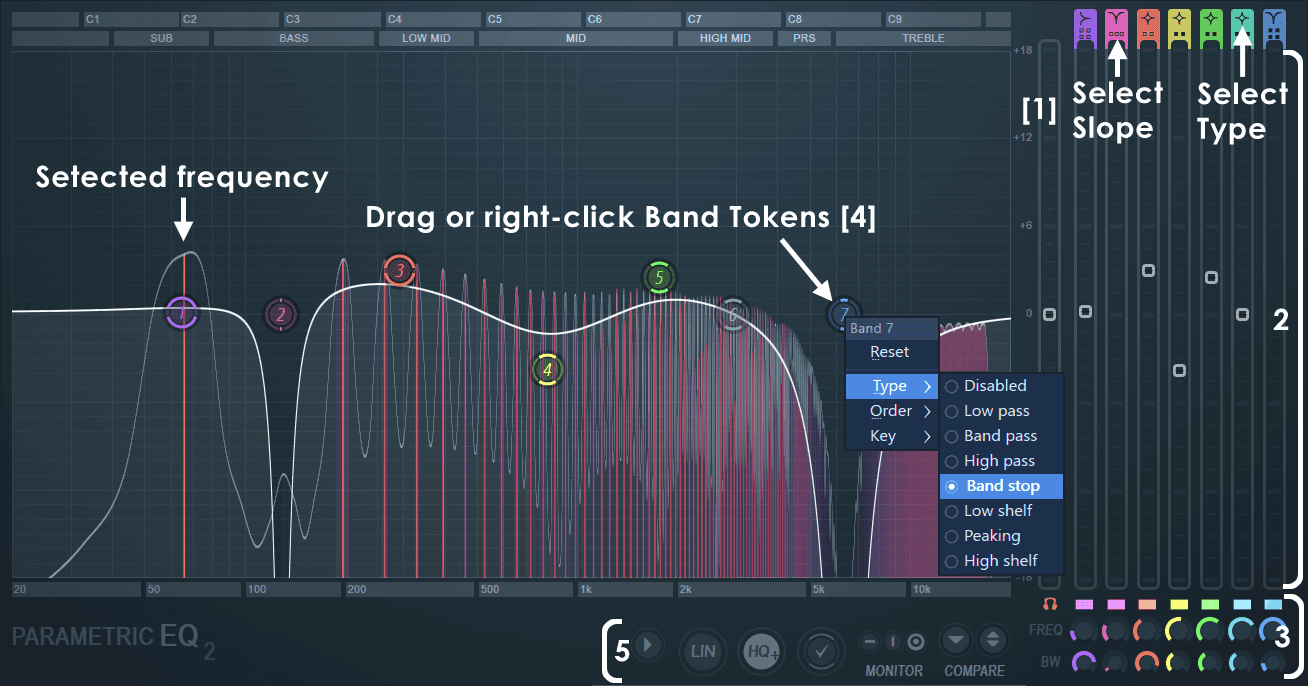
Muffled drums: Fruity Parametric EQ 2.
Lower a little of the cloudy low-middle sound. Stop before the kit gets thin.
Uneven hits: Fruity Limiter in COMP mode.
Gently turn down the loudest hits. Keep the start of the snare clear.
A few hits leap out: Fruity Soft Clipper.
Trim those peaks a little. If the kit gets harsh or flat, back off.
Don’t squash the best part of your snare.
In Fruity Limiter, choose COMP. This is the compressor: it turns loud parts down.
Use a little at first. Turn the effect off and on. If the snare sounds flatter with it on, use less or try a slower Attack setting.
Show compressor starting settings
Try Ratio 2:1, Attack 10–30 ms, and Release 100–200 ms. Lower Threshold until the loudest hits move the gain-reduction meter by about 1–3 dB. To hear only the compressor, the Image-Line manual says to raise CEIL in LIMIT and set LIMIT’s ATT to zero. Adjust by ear.
Catch the wild hits. Keep the punch.
Fruity Soft Clipper can tame a few very loud hits. Lower THRES a little at a time.
If the snare loses its snap or the hats get scratchy, back off. Use POST to adjust the volume afterwards. It does not guarantee that the output stays below a set level.
Save the setup. Get back to the beat.
Play the whole beat quietly. Turn the effects off and on at a similar volume. Keep them only if you like the change.
Save the Mixer track state to use the same setup again. When you use new drum samples, adjust the effects again too.
You’re done when...
0 of 3 checked on your own beat.
Try it on your drums
Grit. Warmth. Punch.
Hear what Drum Breaker does, then try it in your own beat.
Meet Drum Breaker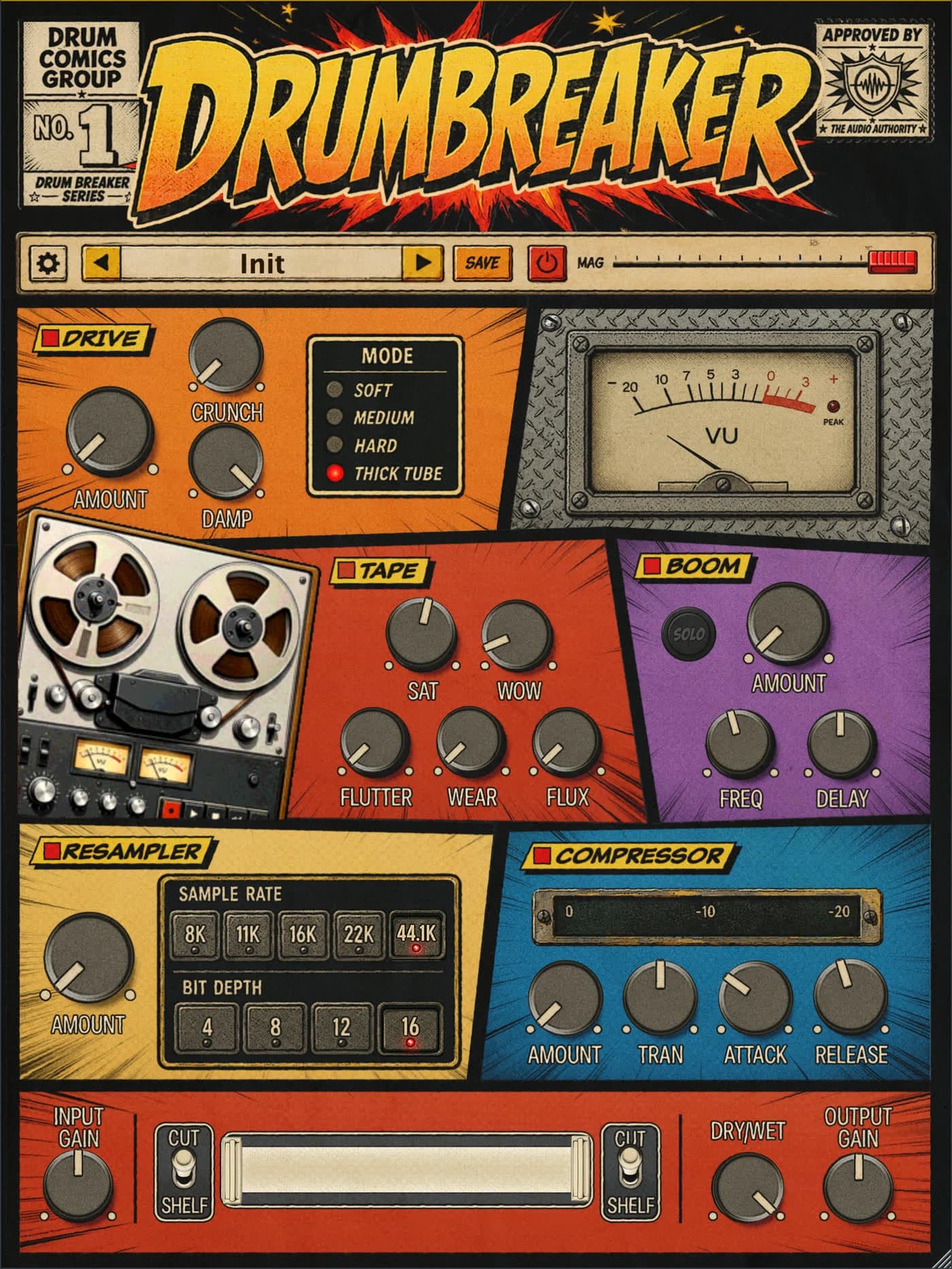
A few quick answers.
Do I need to buy more plugins?
Not to try this guide. Start with the effects available in your copy of FL Studio.
Do I need all three effects?
No. If the drums already sound good, leave them alone. Use an effect when you can hear it helping.
Should my 808 go through the same effects?
Start with it separate. That makes it easier to change the drums without changing the bass.